Find Routes & Schedules
Get transit directions to your destination, including departure times and connection information, right on your mobile device. Follow these basic instructions to use an app you're already familiar with. Explore the apps to discover many exciting features!
Learn how to use free apps for transit information.
Apple Maps
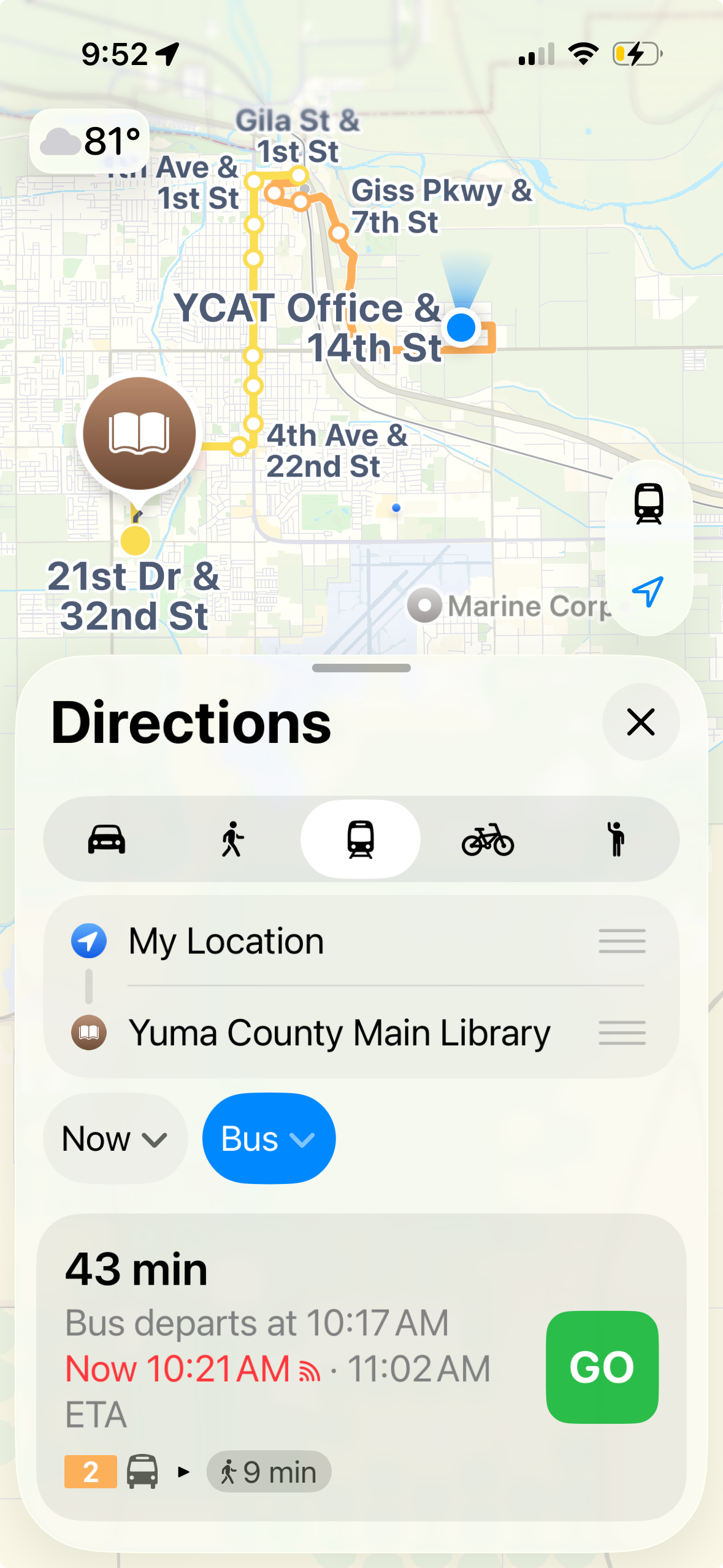
- Open the Maps app on your iPhone or iPad.
- Search for your destination or tap it on the map.
- To specify times, tap Now (below the destination) then tap .
- Tap Prefer (below the destination), then select the Transit icon to view bus route(s) to your destination.
- Tap Go or Steps for the route you want to take.
- To find departures near you, tap +, then tap Transit Nearby to add it to your Places.
- Tap Transit Nearby, then tap a nearby stop to see schedules and delays.
Google Maps
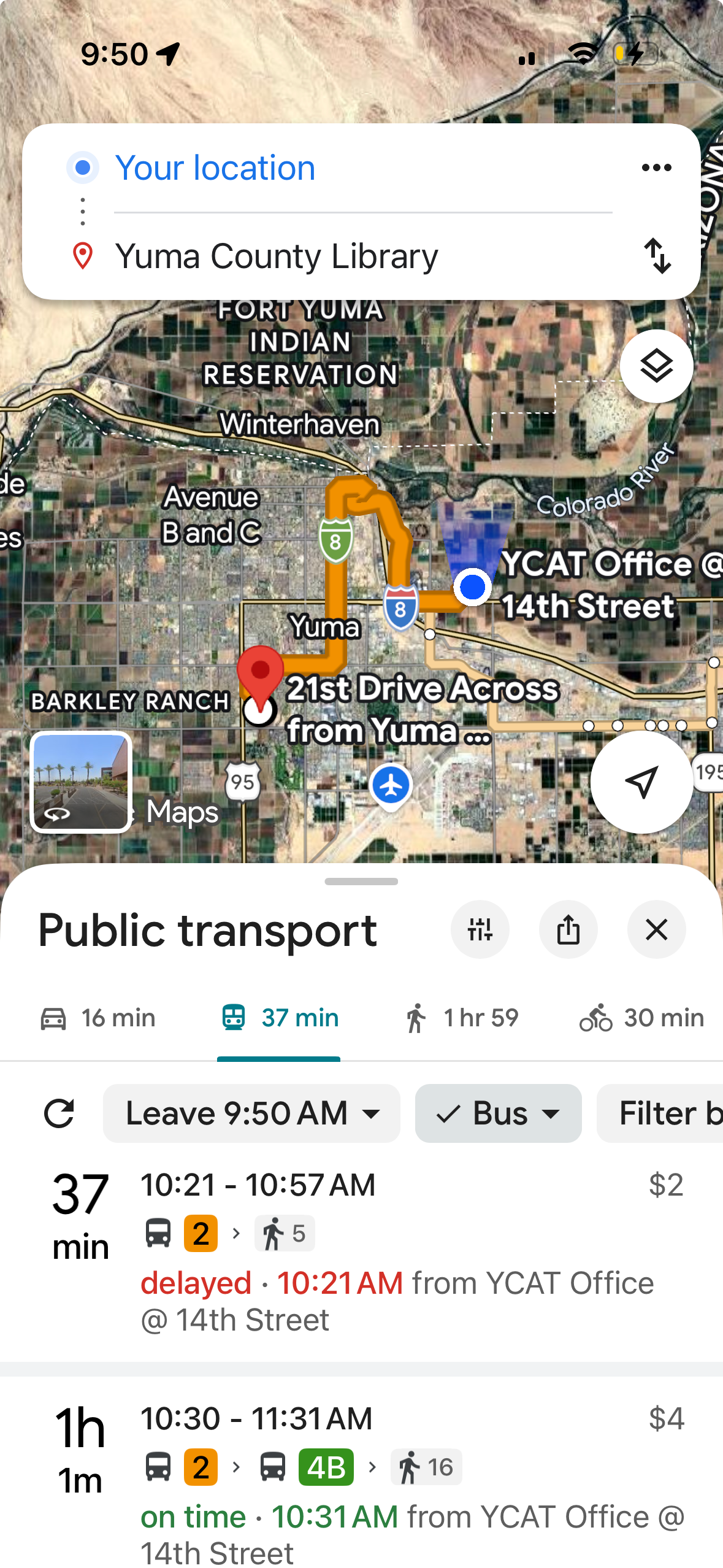
- Open the Google Maps app on your device.
- Search for your destination or tap it on the map.
- Tap Directions at the bottom left, .
- To edit your starting point, at the top, tap Your location.
- To edit your destination, tap what's listed in the destination box.
- To select your transportation mode, Tap the Transit icon.
- Tap the trip you want to select from the list and follow the directions. Listing shows which bus route(s) to take, when it departs, how much it costs, and more
- To get a turn-by-turn preview, tap Preview.
Transit App
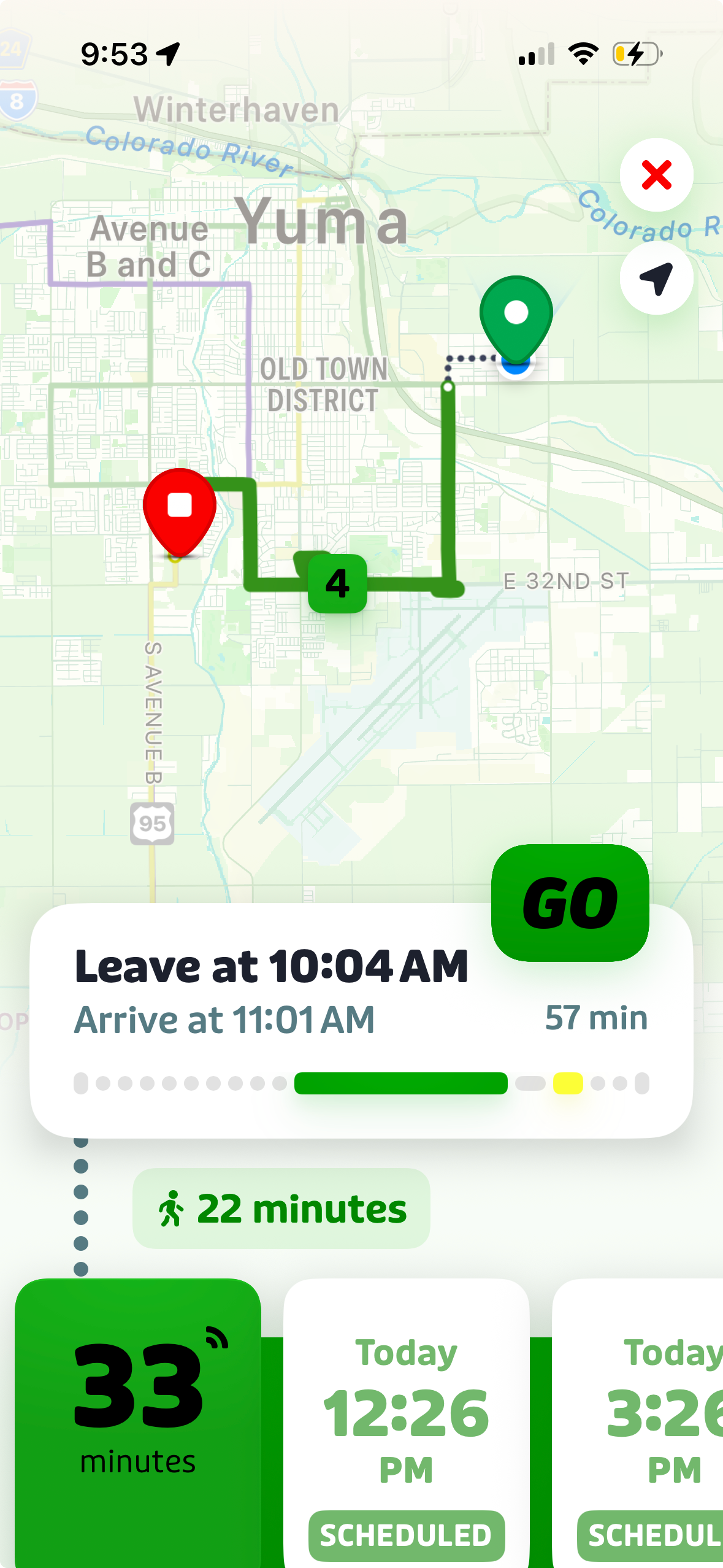
- Open the Transit app on your device.
- Search for your destination or tap it on the map.
- Tap Directions at the bottom left, .
- To edit your starting point, tap Current Location.
- To edit your destination, tap the destination.
- To adjust departure or arrival time, tap Leave Now.
- Tap your preferred trip from the list and follow directions.